Flash. Boot. Start again.
Choose a board, prepare storage and assemble a working system before you install the first useful app.

Infrastructure / ALL360
ALL OS comes ready on ALL1. Install apps in one tap: everything the DIY setup promised, none of the setup.
The DIY trade-off
A home server can give you more control over your files and services. Getting there often means becoming the person responsible for every moving part.
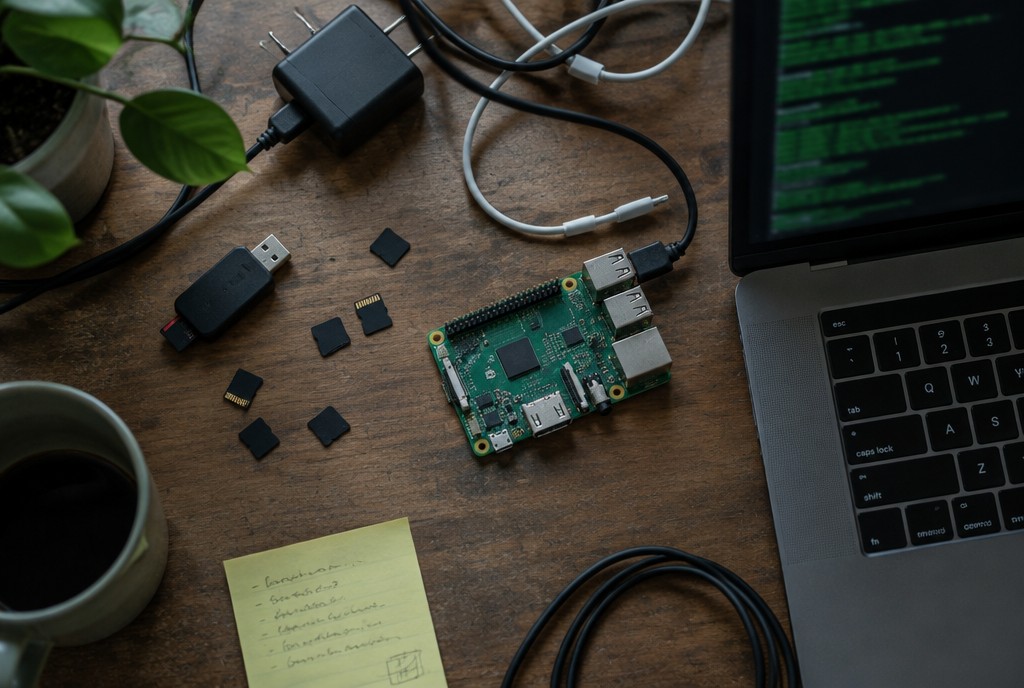
Choose a board, prepare storage and assemble a working system before you install the first useful app.
Containers, ports and dependencies become your checklist. A quick install can turn into an evening of troubleshooting.
With a DIY setup, updates and backup planning are another job. You still need a backup plan for important data on any server.
Your server, ready
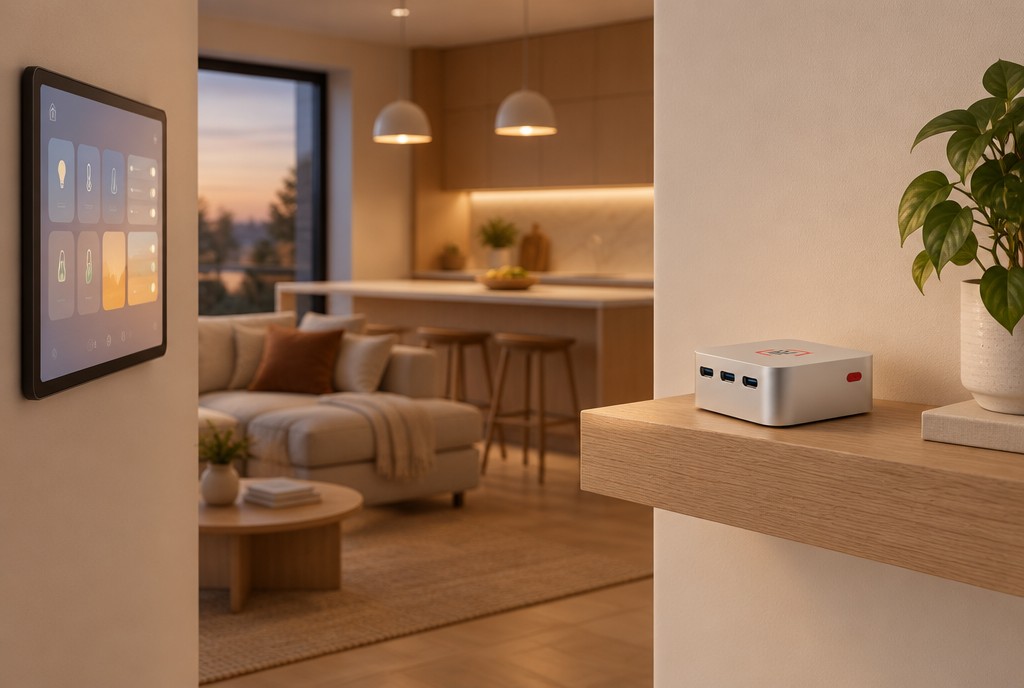
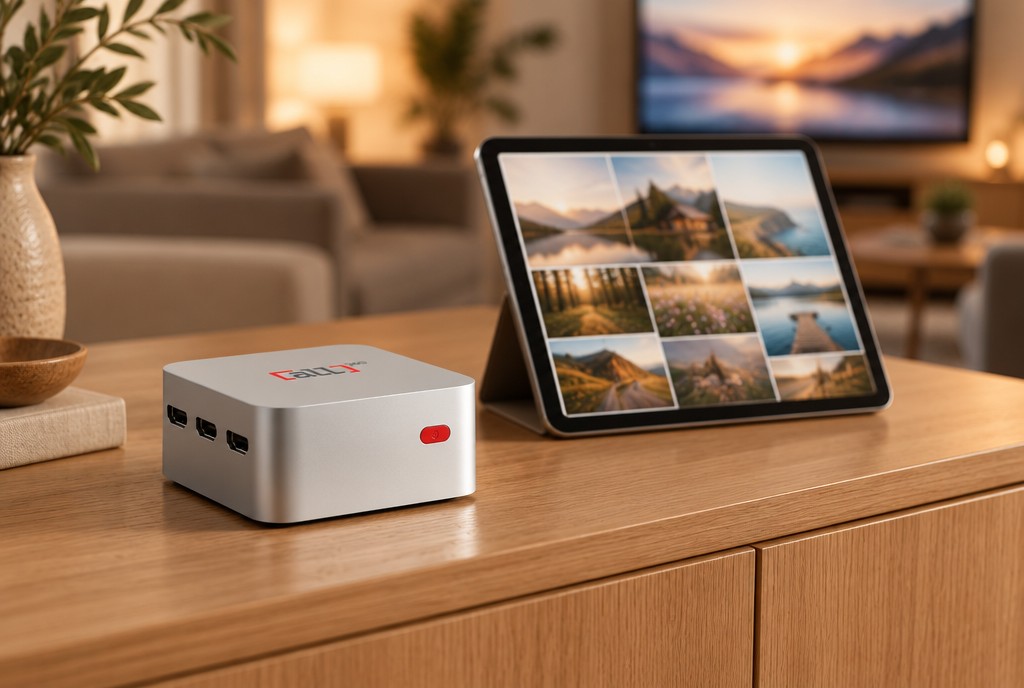
ALL OS comes ready on ALL1. Open the console, choose an app and install it in one tap instead of assembling the software stack yourself.
Keep your documents, media and home services on a device you own. ALL CONNECT gives you a way to reach your apps when you are away; you choose which apps and data to put on it.
From box to app
The setup follows the same console experience across apps. An internet connection is needed for installation and remote access.
Connect power and your home network to start with ALL OS already installed.
Access the ALL OS console and set up your device.
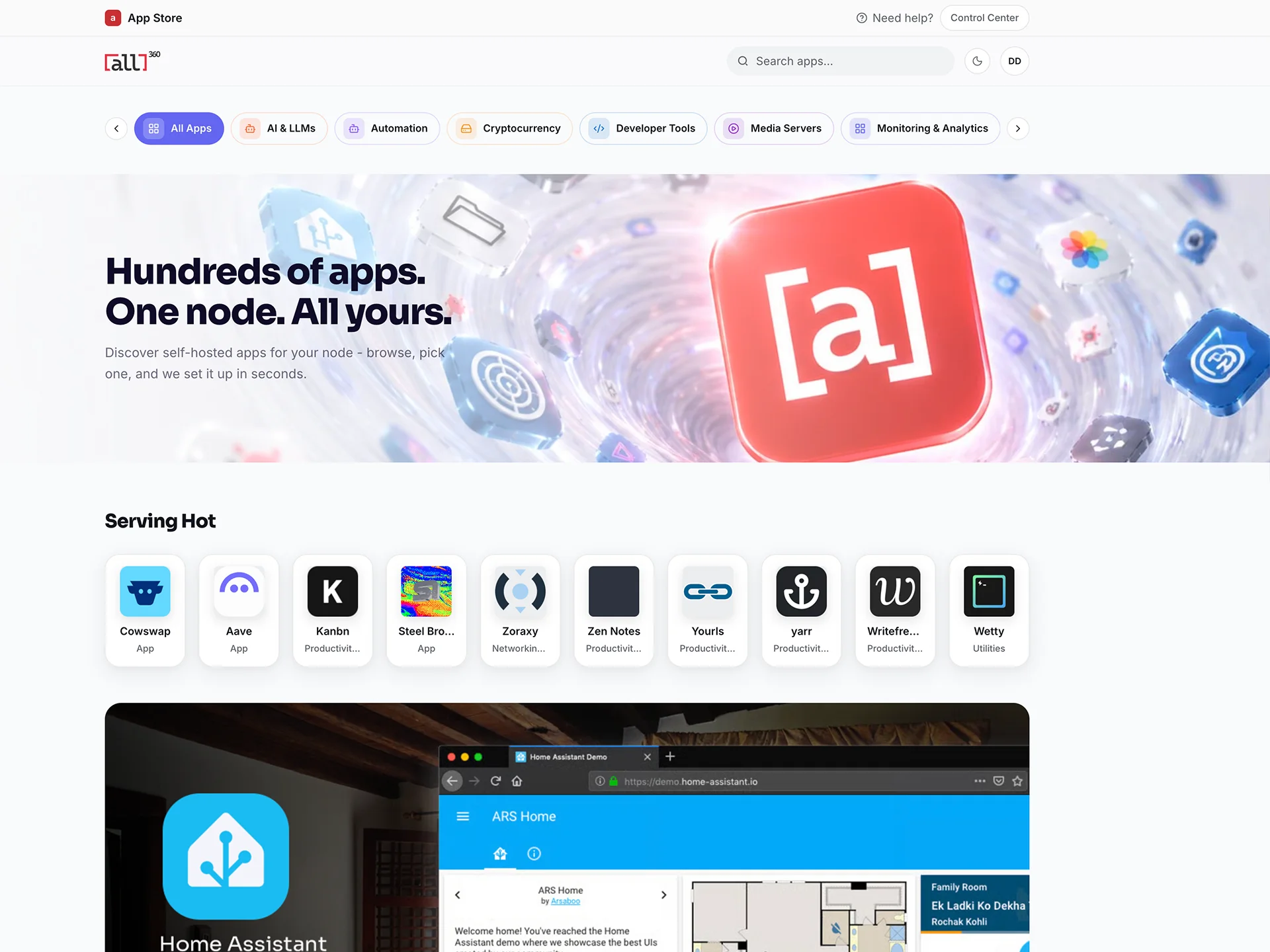
Choose an available app from the App Store and follow its setup prompts.
Use ALL CONNECT to reach your installed apps from elsewhere.
Check the details
Look at the published specifications and the trade-offs against a DIY board or a different home-server approach.
Intel N Family Processors · 12 GB DDR5 · 256 GB NVMe SSD (M.2) · 10 × 10 × 7.2 cm
Compare ready-to-use software with a board you configure yourself.
Read the comparisonCompare two home-server approaches, including their service bundles and limitations.
Read the comparisonCompare included network-wide ad blocking with a DIY Pi-hole setup.
Read the comparisonWhat comes with it
See the current ALL1 offer before ordering. App availability and individual app requirements may change.
Bundled services, including VPN, Premium VPN, ad blocking, IoT integration and residential proxy traffic, are provided by external partners under their own terms.
Room to decide
The ALL1 device comes with a 30-day money-back guarantee and a 2-year hardware warranty, as stated in the device offer. Review the purchase terms before ordering.
Before you decide
The ALL OS App Store supports one-tap installation through the console. Individual apps can still require their own account, setup or configuration.
No. Keeping files at home is not the same as having a backup. Maintain an independent backup for important files and review each app's backup options.
Bring-your-own-hardware support is on the roadmap, not available today. Register interest and tell us about your hardware; this is not a compatibility or launch-date promise.
ALL1 includes network-wide ad blocking for 5 years. The Pi-hole comparison explains the differences from a DIY ad-blocking setup.
Less setup, more use
Choose ALL1 if you want an integrated route to self-hosting. Prefer to tune every layer yourself? Read the comparisons first.
ALL1 can also run approved network workloads when idle. Earnings depend on demand and may be zero. How hosting works
Explore what is available now, or register interest in what's on the roadmap.
Product and comparison information checked October 2026. App availability may change. Third-party names and trademarks belong to their respective owners; no affiliation or endorsement is implied.